What is a gated download?
A gated download is a file that a visitor can only access after submitting a short form. Instead of linking straight to a PDF or ZIP, you place a download button that opens a form asking for details such as name and email. Once the form is submitted, the file is delivered and the visitor's details are stored as a lead.
How do I require an email before someone downloads a file in WordPress?
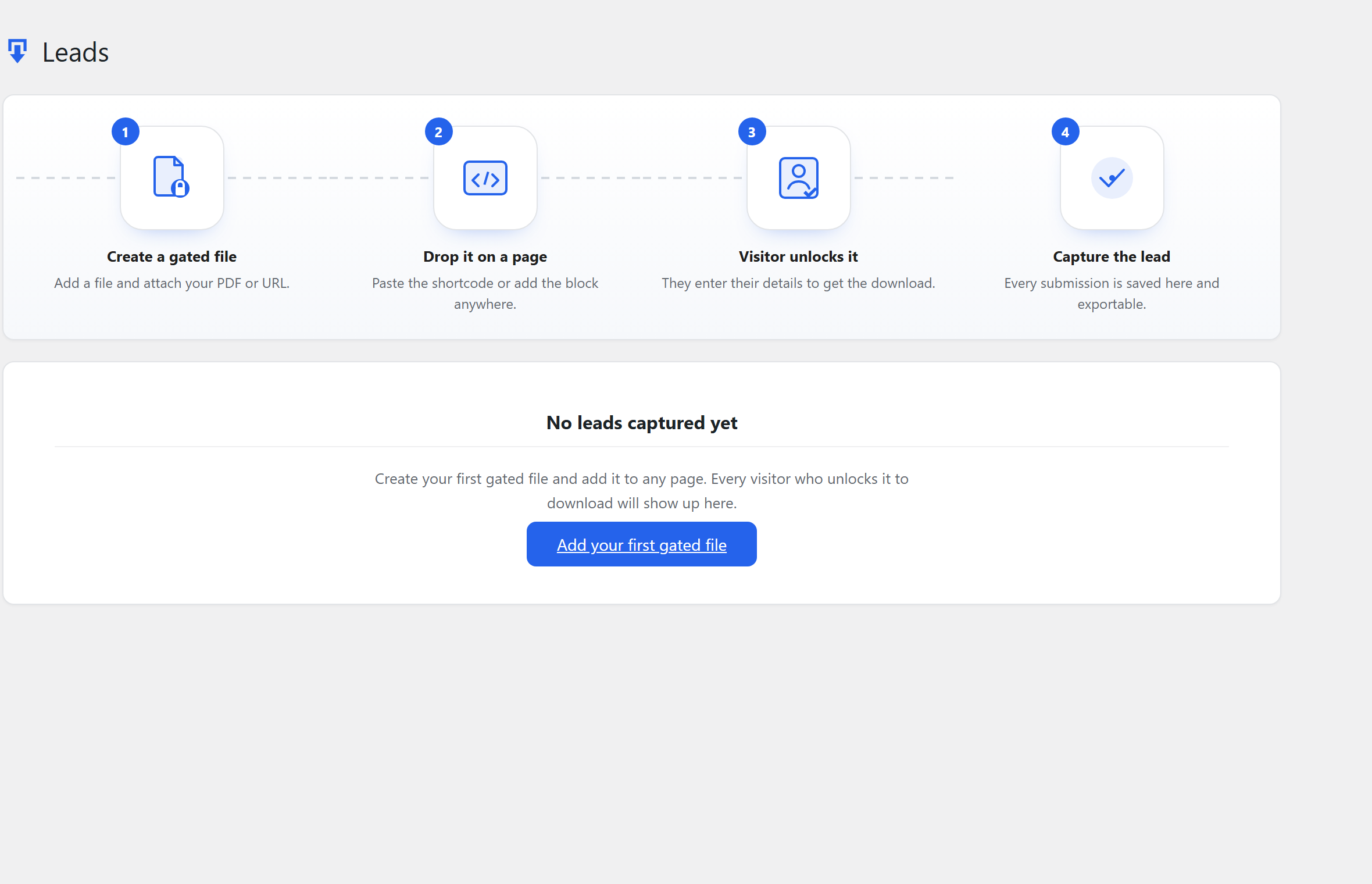
Install Gated Downloads, go to Gated Downloads → Add New Gated File, upload your file or paste an external URL, then copy the shortcode it generates and paste it into any post or page — for example [tslgd_download id="123"]. Visitors clicking the button must complete the form before the download unlocks. You can also insert the Gated Download block in the block editor instead of using a shortcode.
Does it work with any WordPress theme?
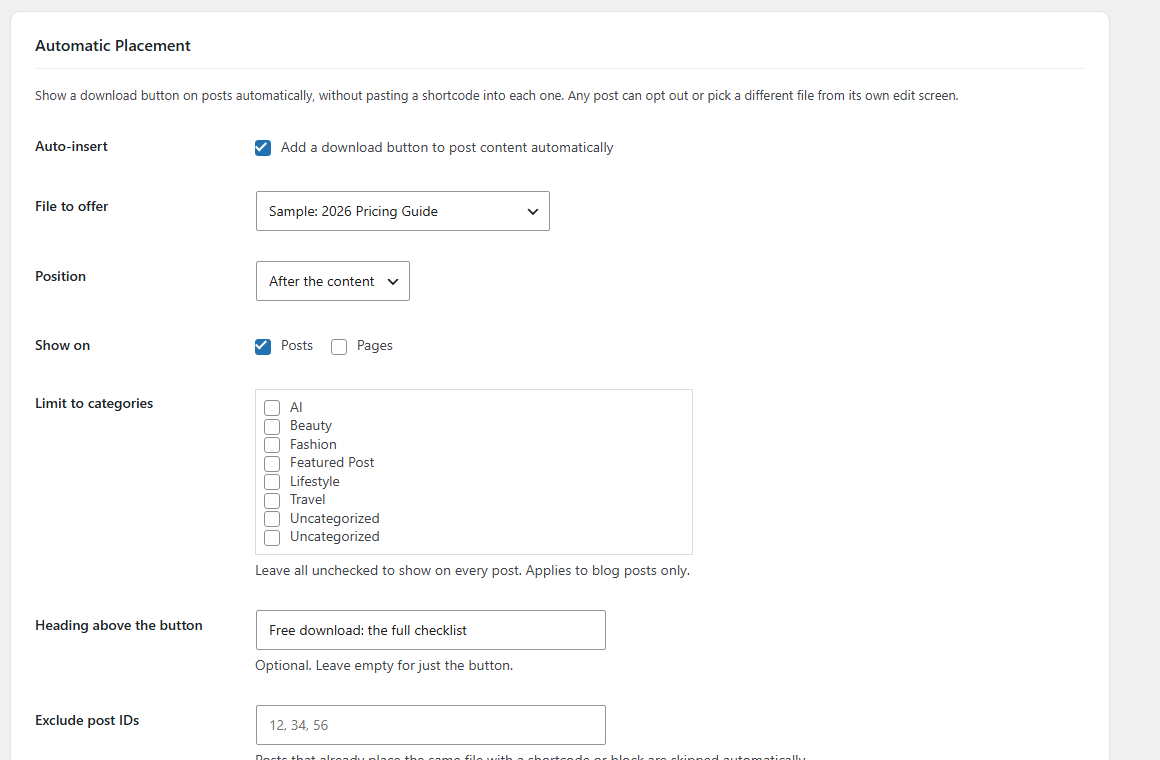
Yes. The capture form is rendered at the root of the page rather than inside your theme's markup, so theme wrappers with overflow or z-index rules cannot break it. No page builder is required.
What file types can I gate?
Any file you can upload to the WordPress Media Library, plus any direct file URL. That includes PDFs, ZIP archives, images, spreadsheets and documents. Files hosted elsewhere, such as on cloud storage, can be gated by pasting their URL.
Can I use it as a simple email subscribe form, with no file?
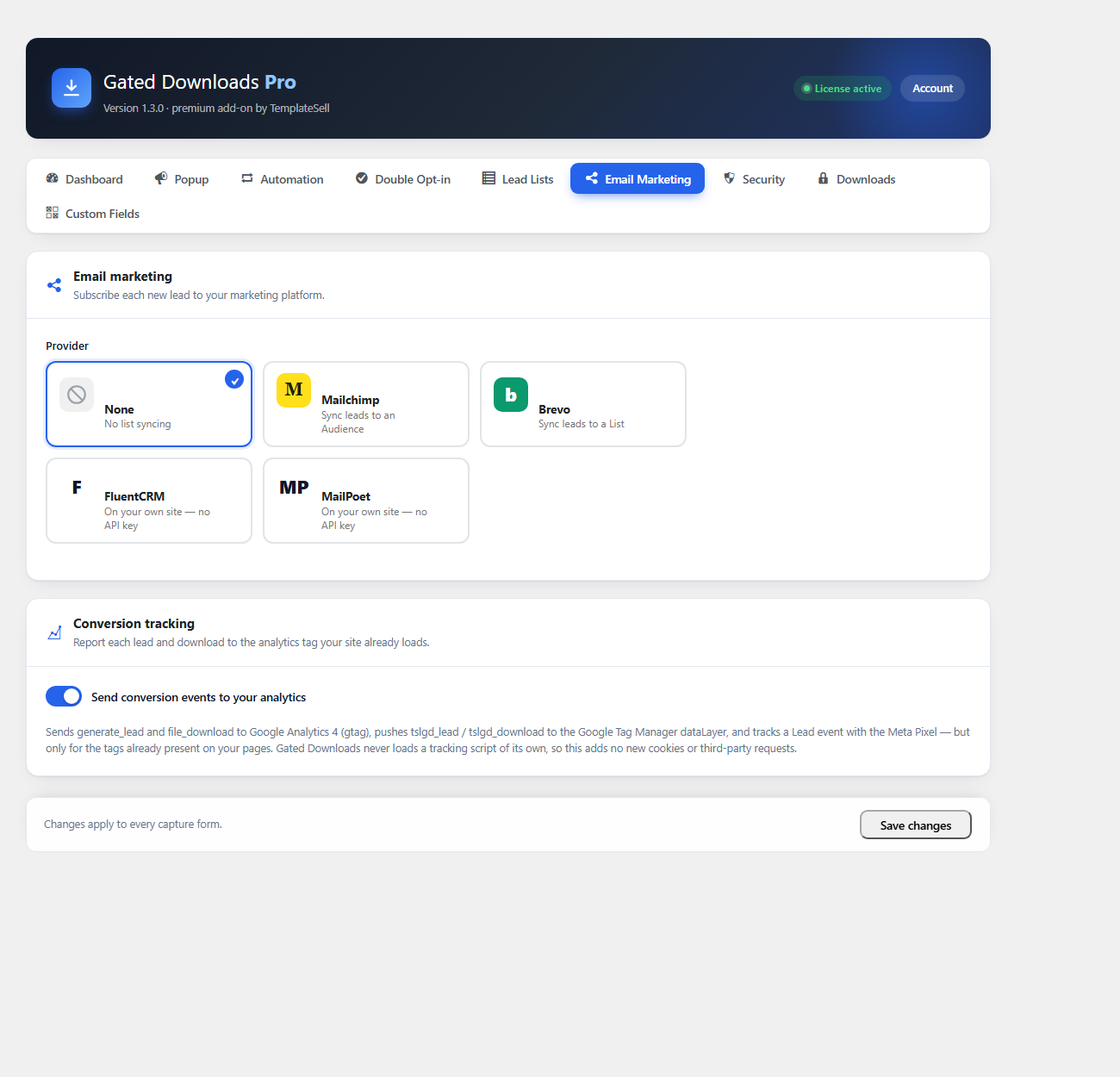
Yes. Leave the file empty and the form becomes a plain email opt-in — the visitor's details are captured and a success message (or your redirect) shows after they submit, with no download involved. Show just the email field and label the button "Subscribe". With Pro, new subscribers can sync straight to Mailchimp or Brevo.
Where are the captured leads stored?
Leads are stored in a custom table in your own WordPress database. Nothing is sent to any third-party service. You can browse them under Gated Downloads → Leads, and export them as CSV at any time.
Can each download ask for different form fields?
Yes. Every gated file has its own form configuration. You can choose which of the standard fields it asks for, drag them into any order, and mark each one required or optional. The standard fields are Name, Email, Phone, Company, Job Title, Website and Country. Files you do not configure inherit the global defaults.
Is gating downloads GDPR compliant?
The plugin provides an optional consent checkbox with wording you control, stores only the fields you ask for, hashes IP addresses with a salt, and registers the WordPress personal-data exporter and eraser hooks so you can fulfil data requests. You remain the data controller and should pair it with your own privacy policy.
What is the difference between the free plugin and Pro?
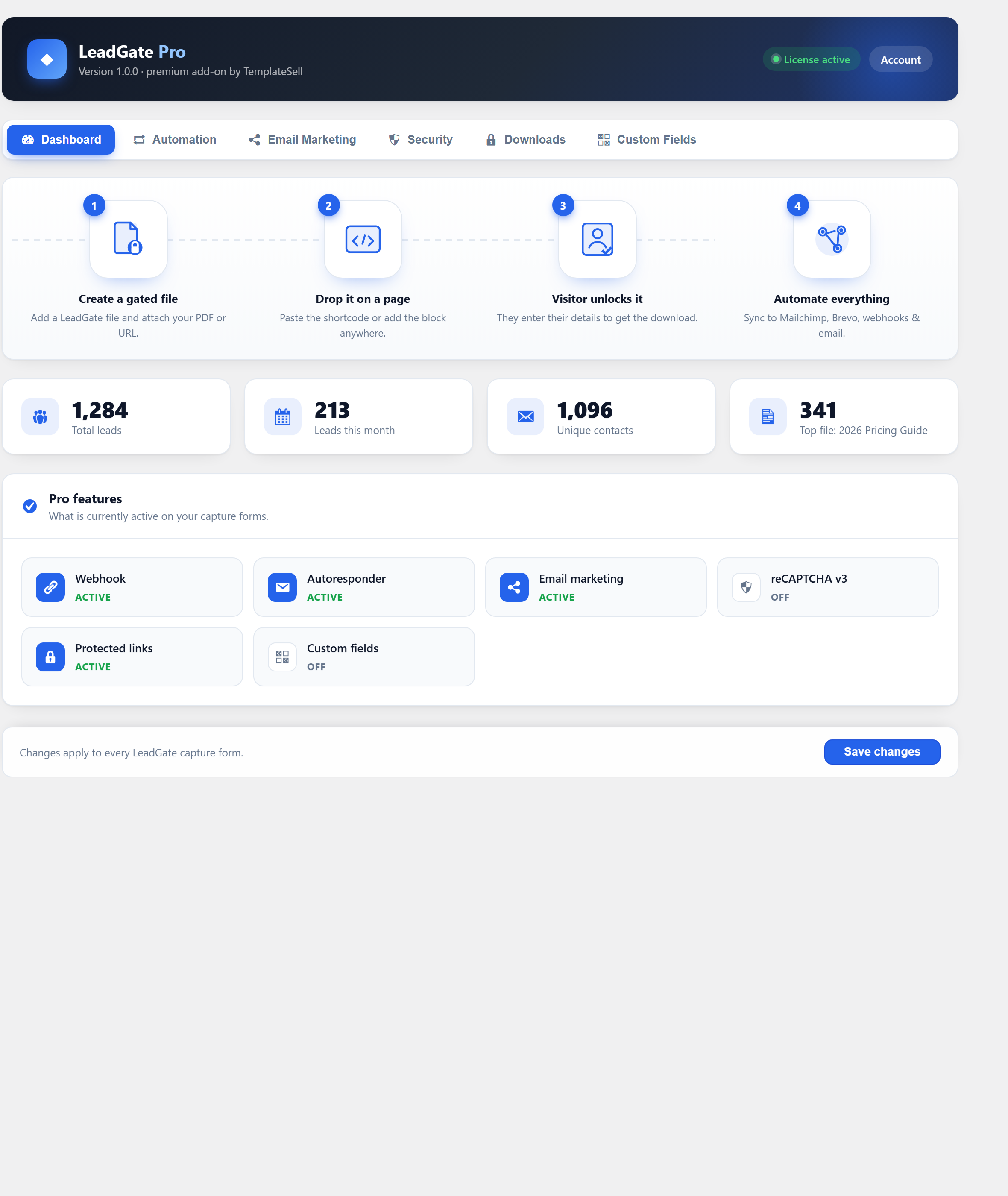
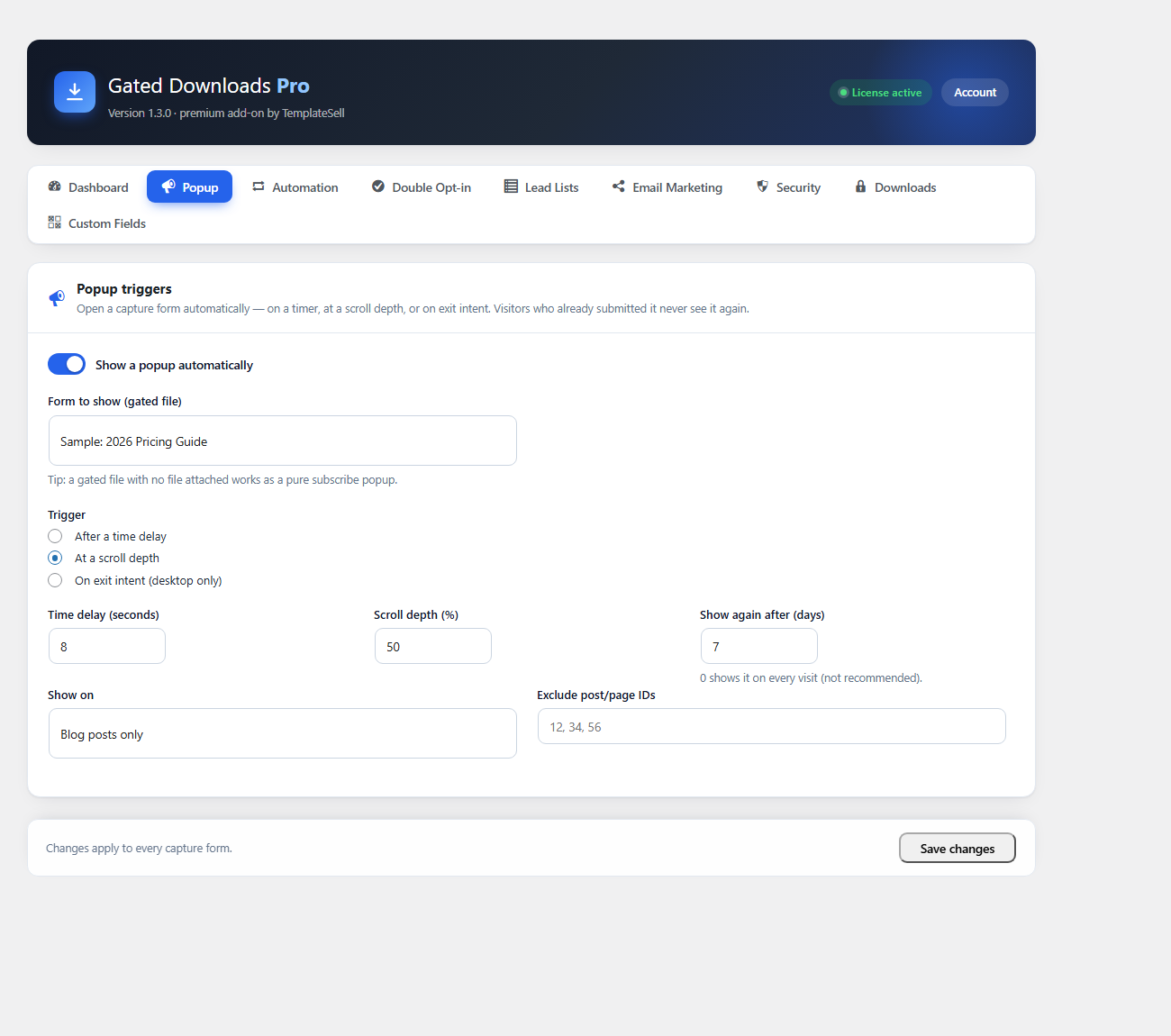
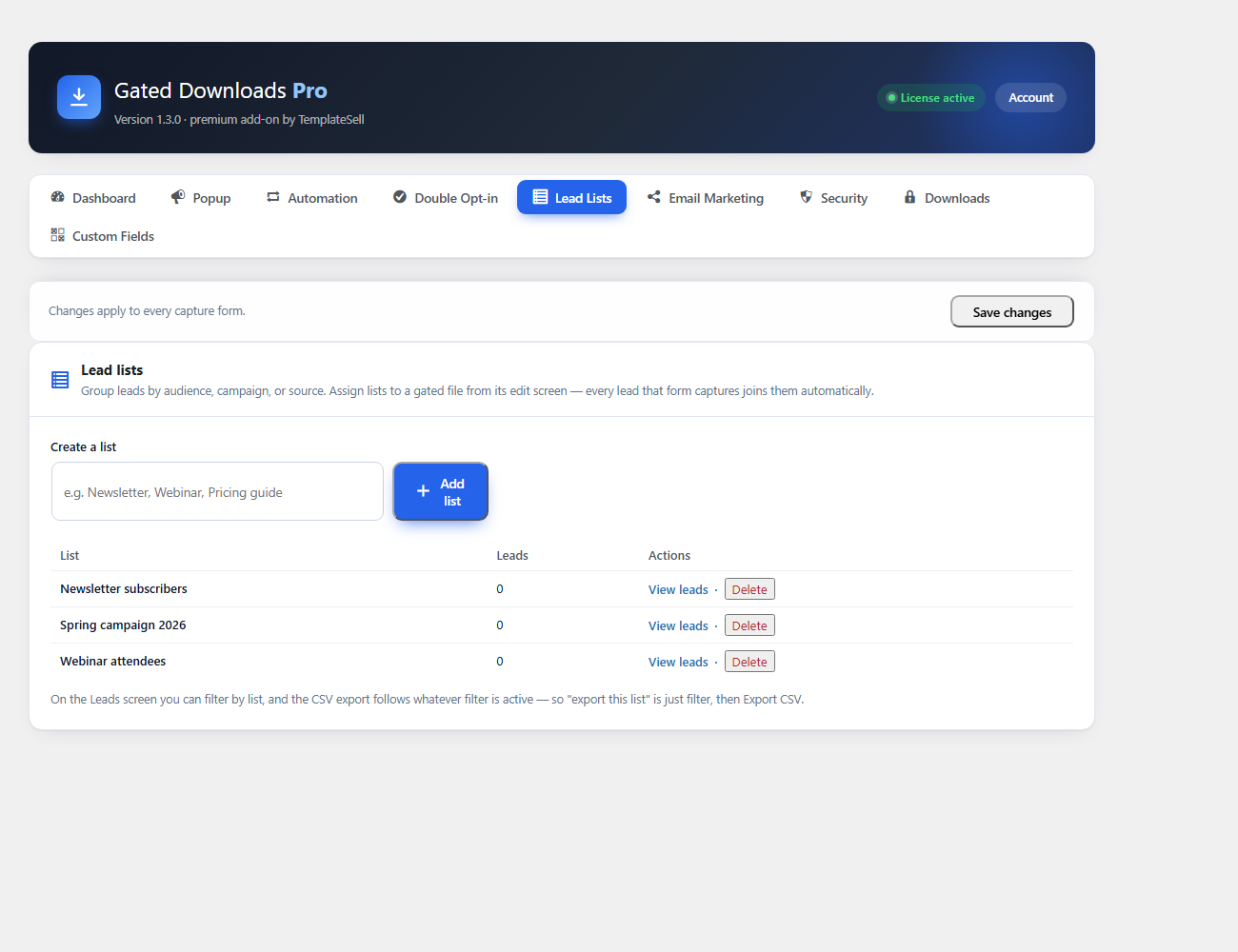
The free plugin gates unlimited downloads, locks any part of a post behind the same form, and places buttons automatically or via shortcode, block, Elementor widget and inline links. It also offers per-form field configuration, conversion analytics, a download counter, campaign (UTM) tracking on every lead, automatic download-link emails, honeypot spam protection, a leads dashboard and CSV export — and is fully functional on its own. Pro adds popup triggers (time, scroll, exit intent), double opt-in email confirmation, lead lists for segmenting and exporting, email-marketing integrations with Mailchimp, Brevo, FluentCRM and MailPoet, a guided Zapier integration, webhooks, a fully customizable autoresponder, GA4 / Tag Manager / Meta Pixel conversion tracking, protected and expiring download links with usage limits, reCAPTCHA v3 spam protection, extra custom field types, and a conversion-analytics dashboard.
Can I gate part of a post instead of a file?
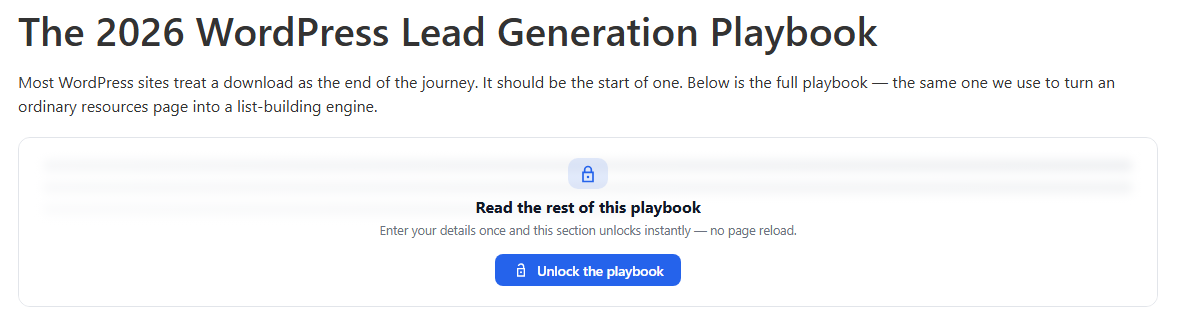
Yes. Wrap any section of a post or page in [tslgd_lock] and it is replaced by a blurred placeholder with an unlock button. Visitors submit the same capture form and the content appears in place, with no page reload, then stays unlocked when they come back. The locked content is never included in the page source, so “view source” cannot reveal it and full-page caching cannot leak it to the next visitor.
Is there a free trial of Pro?
Yes — every paid plan starts with a 7-day free trial, and no credit card is required to begin. You get full access to all Pro features (popup triggers, double opt-in, lead lists, Zapier, Mailchimp, Brevo, FluentCRM & MailPoet, autoresponder, webhooks, protected links and more) for 7 days. If you decide not to upgrade, your site simply reverts to the free plugin — nothing breaks and you keep every lead you captured.